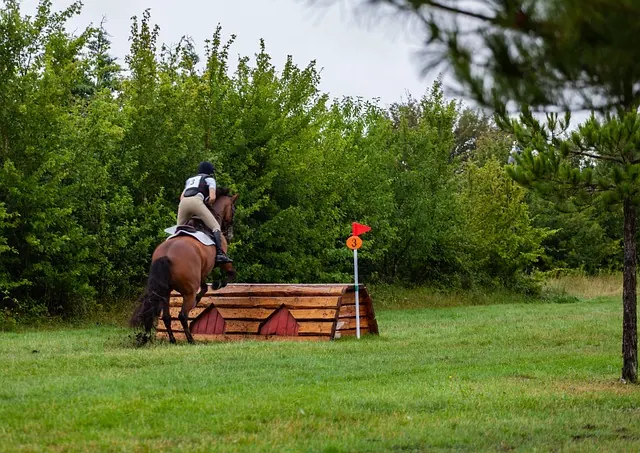
Cross-country booking software
Know who is on the course.
Schooling sessions riders can book and pay for, with every horse named and your terms agreed before they arrive.
You set
When the field is open.
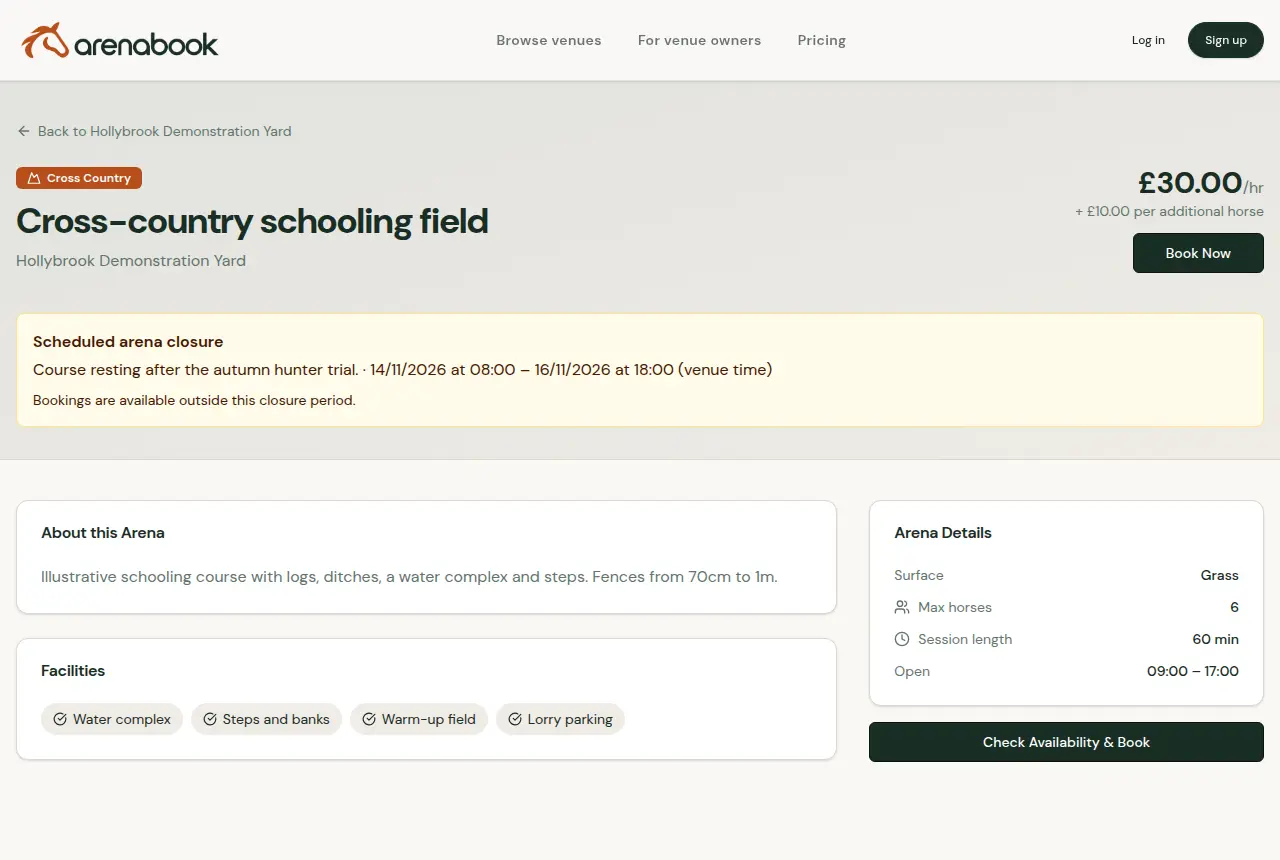
- Session length and opening hours for the course
- Horses allowed per session, shared or exclusive
- Facilities such as water, steps and warm-up
- Closure dates when the ground needs a rest
The rider gives you
Who is coming, and on what.
- Name, email and phone number
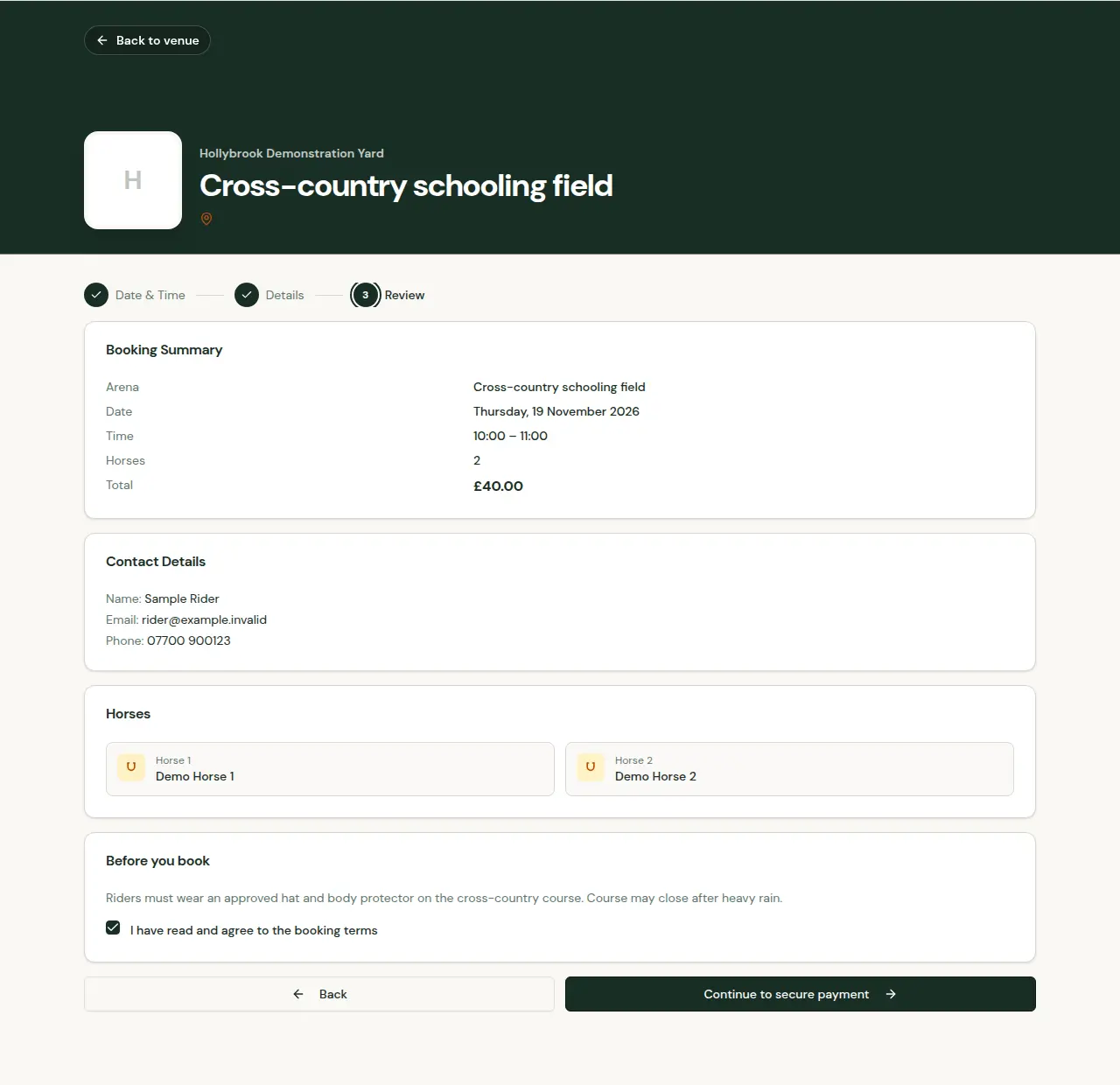
- A name for every horse on the booking
- Notes, such as a green horse or first time over water
- Agreement to your booking terms before payment
Walkthrough
A schooling booking, as the rider sees it.
A short demonstration in three steps. Select a step, or use the arrow keys.
Step 1 of 3: Check the course
Venue booking terms
Your rules, read before the lorry leaves home.
Write your hat and body protector rules, ground conditions or supervision requirements once in venue settings. Riders read your booking terms and venue disclaimer on the review step and accept them as part of every booking.
Also on ArenaBook
Arena booking softwareSlot lengths, shared or exclusive hire, opening hours and dated closures for each arena.Clinic booking softwareClinic sessions, rider requests, group capacity, entries and payment status in one list.Gift voucher softwareSell arena hire as a gift, with a venue-branded PDF and a code redeemed against one booking.